
DNOTE Workflow Commands
A quick guide for developing, building, and deploying the dnote project.
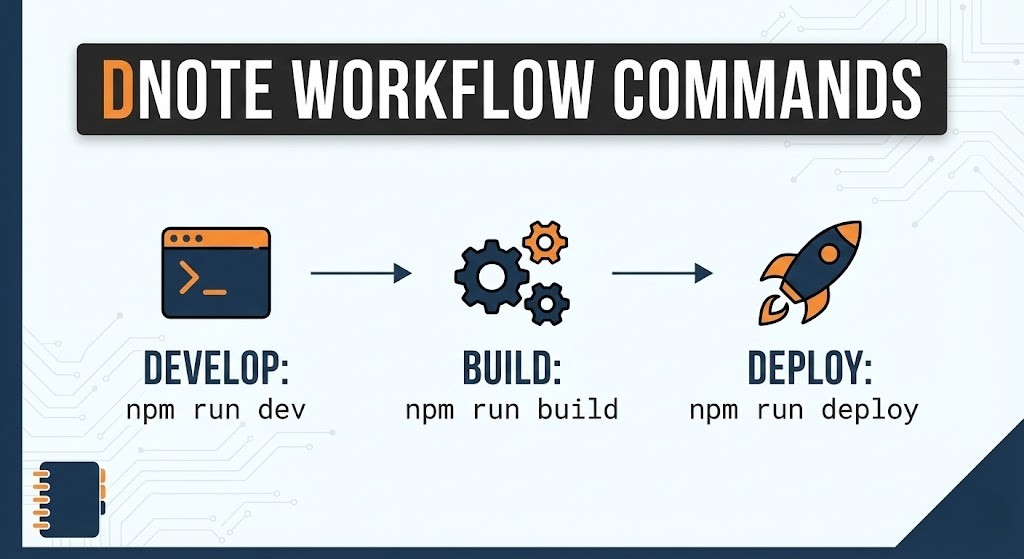
DNOTE Workflow Commands
This guide provides a quick reference for the common commands used in the development, building, and deployment of the DNOTE project.
Development
To start the development server and work on the project locally, use the following command:
npm run devThis will launch the development server, and you can access the site at http://localhost:4321.
Building for Production
When you are ready to build the project for production, use the following command:
npm run buildThis command will generate the optimized static files in the dist/ directory, ready for deployment.
Previewing the Production Build
To preview the production build locally, you can use the following command:
npm run previewThis will serve the contents of the dist/ directory so you can verify everything looks correct before deploying.
Deployment
To deploy the built project to your hosting provider, use the following command:
npm run deployThis command will handle the deployment process, uploading the contents of the dist/ directory to your configured hosting service.
Note: The deployment process may vary depending on your hosting provider and setup.
in my case i use hostinger and connect it with github using webhook so every push to dist branch will trigger deployment and update the website automatically.
Summary of Commands
- Start Development Server:
npm run dev - Build for Production:
npm run build - Preview Production Build:
npm run preview - Deploy to Hosting Provider:
npm run deploy
DAAS